Daily Engineering Hygiene Standard
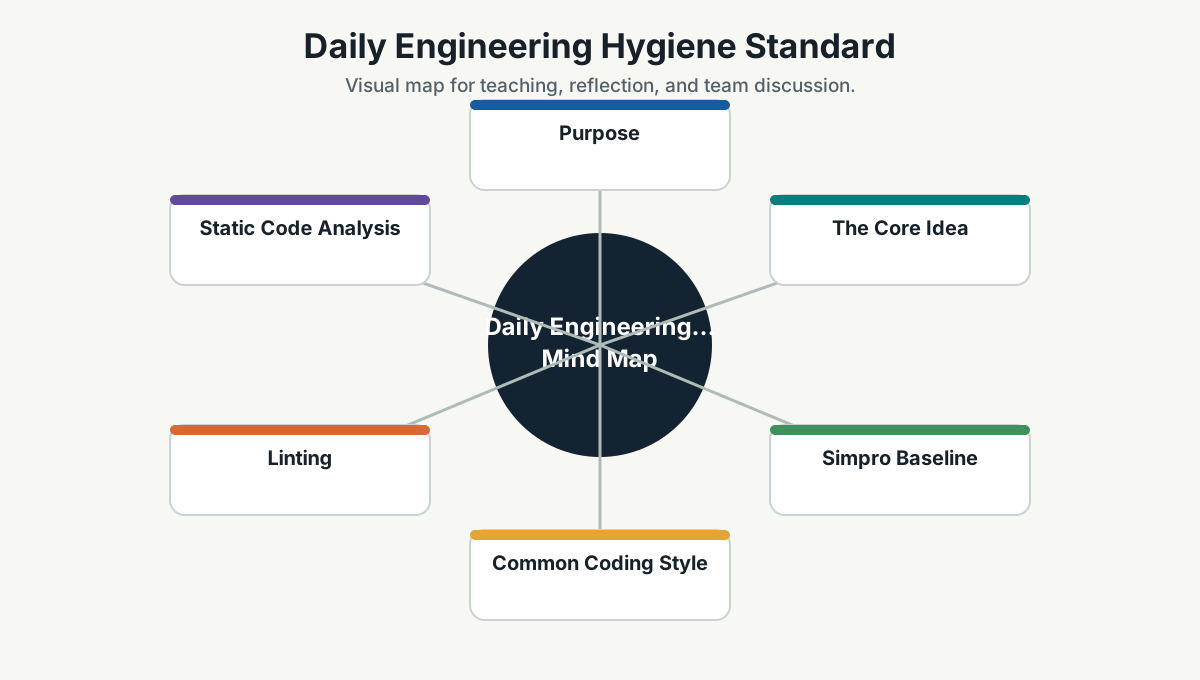
Purpose
This page defines the everyday engineering hygiene Simpro teams should follow across projects: common coding style, formatting, linting, static analysis, SAST, DAST, dependency checks, and minimum meaningful tests.
This is not glamorous work, but it is the work that keeps engineering from becoming expensive archaeology.
The Core Idea
Good teams do not rely on memory for basics. They automate the basics.
Coding standards, linting, code analysis, security scanning, and tests should be part of the normal development loop. They should not depend on one senior person repeatedly saying, "Please fix formatting," until their soul leaves the building.
Simpro Baseline
Every important repository should have:
- A documented setup command.
- A documented build command.
- A documented test command.
- Automatic formatting or clear formatting rules.
- Linting.
- Static code analysis.
- Dependency scanning.
- Secrets scanning.
- SAST for code security.
- DAST or API security testing for exposed web/API systems.
- Minimum meaningful tests.
- CI checks that run on pull requests.
- A clear rule for whether warnings fail the build.
Common Coding Style
Coding style should make code easier to read, review, and maintain.
General rules:
- Prefer clarity over cleverness.
- Use meaningful names.
- Keep functions and methods focused.
- Keep files organized by responsibility.
- Avoid duplicated business logic.
- Avoid hidden side effects.
- Handle errors deliberately.
- Keep comments useful, not decorative.
- Do not commit dead code.
- Do not hide security, performance, or reliability risks behind "temporary" changes.
Style should be enforced by tools wherever possible:
.editorconfigfor shared formatting rules.- Language formatters such as
dotnet format, Prettier, Black, Ruff, or gofmt. - IDE settings committed where useful.
Linting
Linting catches common mistakes, style drift, risky patterns, and maintainability issues.
Examples:
| Stack | Typical Tools |
|---|---|
| C#/.NET | Roslyn analyzers, StyleCop Analyzers, SonarAnalyzer, dotnet format |
| TypeScript/JavaScript | ESLint, TypeScript compiler, Prettier |
| React | ESLint React rules, React Hooks rules, accessibility plugins |
| Angular | Angular ESLint, TypeScript compiler |
| Python | Ruff, Black, mypy/pyright, pylint where useful |
| Docker/IaC | Hadolint, Checkov, tfsec, kube-linter |
Team rule:
If linting finds a real issue, fix it. If linting is noisy or wrong, tune the rule. Do not train the team to ignore red signals.
Static Code Analysis
Static code analysis goes beyond style. It finds maintainability, reliability, security, and complexity issues.
Common issue types:
- Null/reference risks.
- Unused code.
- Too much complexity.
- Duplicate logic.
- Resource leaks.
- Blocking async calls.
- Unsafe parsing.
- Weak error handling.
- Security-sensitive code patterns.
Recommended behavior:
- Fix new issues in code you touch.
- Prioritize high-severity issues first.
- Do not block urgent delivery on every historical issue.
- Create a cleanup backlog for legacy hotspots.
- Use a quality gate for new code.
The practical standard is: leave the codebase cleaner than you found it, without turning every PR into a heroic renovation project.
Security Scanning
Security checks should run close to the developer and inside CI.
Secrets Scanning
Purpose: catch committed secrets, tokens, passwords, private keys, and connection strings.
Use:
- GitHub secret scanning.
- Gitleaks.
- TruffleHog.
- Pre-commit hooks where practical.
Rule:
If a secret is committed, assume it is compromised. Remove it, rotate it, and check exposure. Deleting the line is not enough.
Dependency Scanning
Purpose: identify vulnerable third-party packages and risky licenses.
Use:
- Dependabot.
- OWASP Dependency-Check.
- Snyk/Mend/GitHub Advanced Security where available.
- npm audit/pip-audit/dotnet list package --vulnerable where useful.
Rule:
Treat dependency updates as normal maintenance, not festival work that happens once a year with fear and snacks.
SAST
SAST means Static Application Security Testing. It scans source code for security issues.
Use:
- CodeQL.
- Semgrep.
- SonarQube/SonarCloud.
- Commercial tools where required by customer/security posture.
SAST can find:
- Injection risks.
- Unsafe deserialization.
- Path traversal.
- SSRF patterns.
- Weak crypto usage.
- Hardcoded secrets.
- Missing validation.
- Insecure APIs.
Rule:
High-confidence/high-severity SAST findings should be fixed before release unless there is an explicit, documented risk acceptance.
DAST
DAST means Dynamic Application Security Testing. It tests a running application from the outside.
Use:
- OWASP ZAP.
- Burp Suite.
- StackHawk.
- API security tests.
DAST can find:
- Missing security headers.
- Authentication/session weaknesses.
- Exposed endpoints.
- Input handling issues.
- Some injection vulnerabilities.
- Runtime configuration problems.
Rule:
Use DAST/API scans for exposed web applications and APIs in test/staging environments. Do not aim noisy scans at production without approval.
Minimum Meaningful Tests
The goal is not maximum test count. The goal is confidence in the right places.
Every meaningful change should ask:
- What can break?
- What would be expensive to discover in production?
- What behavior must stay true?
- What boundary needs protection?
- What risk deserves automation?
Test Pyramid For Simpro
| Level | Purpose |
|---|---|
| Unit tests | Fast checks for business rules, transformations, edge cases |
| Component/module tests | Verify a feature or module in realistic isolation |
| Integration tests | Verify database/API/queue/file/external boundaries |
| Contract tests | Verify service-to-service or frontend-backend expectations |
| End-to-end tests | Verify critical user journeys |
| Exploratory testing | Find risks automation did not imagine |
Minimum expectation:
- Unit tests for important business rules.
- Integration tests for important boundaries.
- At least one end-to-end or journey test for critical workflows.
- Regression test when fixing a meaningful defect.
- Authorization tests for sensitive APIs.
- Performance/load checks for high-risk flows where needed.
What To Test First
Prioritize tests for:
- Money, billing, entitlement, or permission logic.
- Customer data access.
- Tenant/customer boundaries.
- State transitions.
- Complex calculations.
- Error handling and retries.
- Integrations.
- Critical workflows.
- Past defect areas.
- High-change/high-risk modules.
Avoid spending too much energy testing:
- Trivial getters/setters.
- Framework behavior.
- Implementation details that change often.
- Snapshots that fail without explaining risk.
Pull Request Hygiene Checklist
Before asking for review:
- Code is formatted.
- Lint passes or exceptions are explained.
- Build passes locally or in CI.
- Relevant tests pass.
- New behavior has meaningful tests.
- Security-sensitive changes were reviewed carefully.
- No secrets, local paths, or debug hacks are committed.
- Logs do not expose sensitive data.
- Errors are handled deliberately.
- Public/API contract changes are documented.
- Performance impact is considered for hot paths.
- Code analysis findings introduced by the PR are fixed or justified.
CI Quality Gate
A good CI gate should be firm but not theatrical.
Recommended PR checks:
- Restore/install dependencies.
- Format check.
- Lint.
- Build/compile.
- Unit tests.
- Integration tests where practical.
- SAST/code scanning.
- Dependency scan.
- Secrets scan.
- Container/IaC scan where relevant.
Recommended release checks:
- Full test suite.
- DAST/API scan for exposed systems.
- Container scan.
- Migration check.
- Smoke test.
- Rollback readiness.
- Observability check.
Handling Legacy Code
Do not demand perfection from old code overnight. That creates paralysis.
Use a legacy improvement rule:
- Do not make it worse.
- Fix new issues in changed code.
- Add tests before risky changes.
- Identify hotspots.
- Improve one boundary at a time.
- Refactor when it reduces real risk or enables delivery.
This is how teams improve without pretending the past never happened.
Team Working Agreement
Simpro teams should agree:
- Formatting is automated.
- Linting is respected.
- Code analysis findings are triaged, not ignored.
- SAST/DAST findings have owners.
- Tests protect important behavior, not vanity coverage.
- CI failure is a team signal.
- Quality gates are improved when they are noisy.
- Standards are updated when reality teaches us something better.
Team Reference Guide
Guidelines For Teams
- Automate basics so reviewers focus on design, behavior, risk, and value.
- Keep quality gates fast enough that developers respect them.
- Fix the rule if the rule is bad; fix the code if the code is bad.
- Write fewer but stronger tests before chasing coverage numbers.
- Treat security and code analysis findings as engineering work, not audit noise.
Reflection Questions
- Which hygiene issue do we still rely on manual review to catch?
- Which lint or analysis signal is noisy enough that people ignore it?
- What minimum test would have caught our last meaningful defect?
- Which repo needs a clearer build/test/security command?
- What should become part of the golden path template?
Further Study
- Microsoft Engineering Fundamentals Playbook: https://microsoft.github.io/code-with-engineering-playbook/
- Google Engineering Practices, Code Review: https://google.github.io/eng-practices/review/
- OWASP Secure Coding Practices: https://owasp.org/www-project-secure-coding-practices-quick-reference-guide/
- OWASP Web Security Testing Guide: https://owasp.org/www-project-web-security-testing-guide/
- CodeQL documentation: https://codeql.github.com/docs/
- Semgrep documentation: https://semgrep.dev/docs/
- OWASP ZAP: https://www.zaproxy.org/
- SonarQube documentation: https://docs.sonarsource.com/sonarqube-server/
- ESLint documentation: https://eslint.org/docs/latest/
- Prettier documentation: https://prettier.io/docs/
- Ruff documentation: https://docs.astral.sh/ruff/
- pytest documentation: https://docs.pytest.org/en/stable/
- .NET testing documentation: https://learn.microsoft.com/en-us/dotnet/core/testing/