PowerShell And Bash Cheatsheet
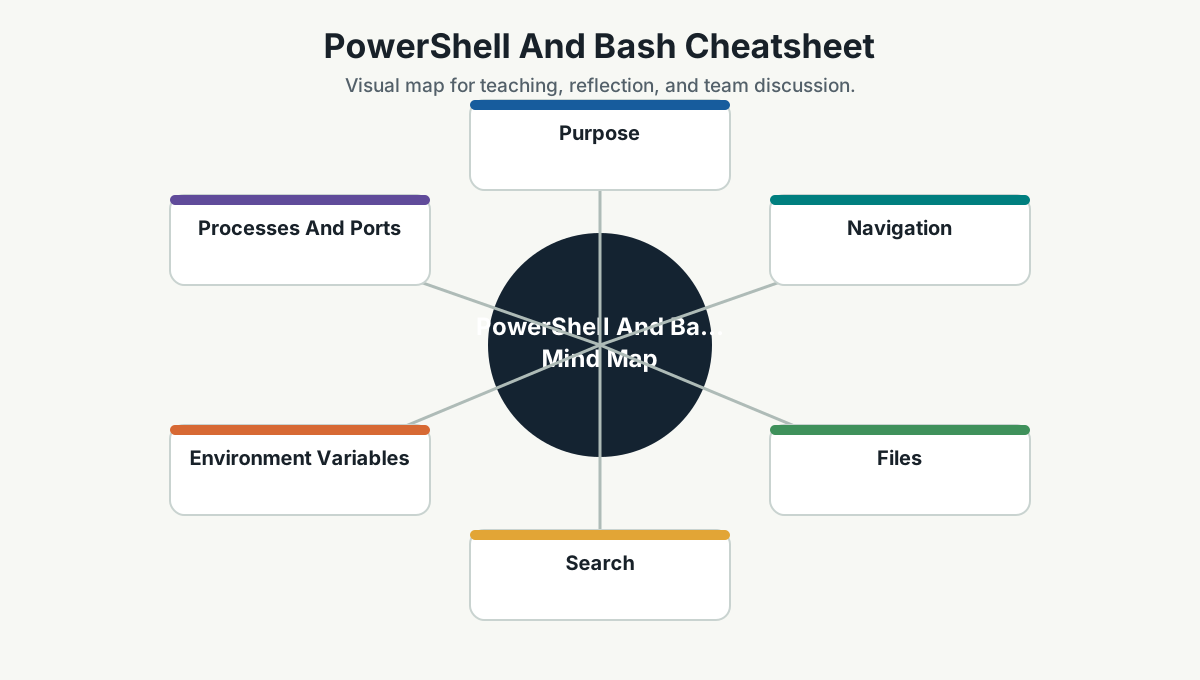
Purpose
Developers often move between Windows PowerShell and Bash. This page covers common commands for navigation, files, processes, environment variables, and troubleshooting.
Navigation
| Task | PowerShell | Bash |
|---|---|---|
| Print current directory | Get-Location or pwd |
pwd |
| List files | Get-ChildItem or ls |
ls |
| Change directory | Set-Location path or cd path |
cd path |
| Go up one folder | cd .. |
cd .. |
| Create folder | New-Item -ItemType Directory name |
mkdir name |
Files
| Task | PowerShell | Bash |
|---|---|---|
| Read file | Get-Content file.txt |
cat file.txt |
| First lines | Get-Content file.txt -TotalCount 20 |
head -20 file.txt |
| Last lines | Get-Content file.txt -Tail 20 |
tail -20 file.txt |
| Copy file | Copy-Item src dest |
cp src dest |
| Move file | Move-Item src dest |
mv src dest |
| Delete file | Remove-Item file.txt |
rm file.txt |
Search
Prefer rg when available.
rg "search text"
rg --files
rg -n "pattern" src
PowerShell alternatives:
Select-String -Path *.cs -Pattern "Customer"
Get-ChildItem -Recurse -File | Select-String "Customer"
Bash alternatives:
grep -R "Customer" .
find . -name "*.cs"
Environment Variables
PowerShell:
$env:ASPNETCORE_ENVIRONMENT = "Development"
echo $env:ASPNETCORE_ENVIRONMENT
Bash:
export ASPNETCORE_ENVIRONMENT=Development
echo $ASPNETCORE_ENVIRONMENT
Processes And Ports
PowerShell:
Get-Process
Get-NetTCPConnection -LocalPort 5000
Stop-Process -Id <pid>
Bash:
ps aux
lsof -i :5000
kill <pid>
HTTP Checks
PowerShell:
Invoke-WebRequest http://localhost:5000/health
Invoke-RestMethod http://localhost:5000/api/status
Bash:
curl http://localhost:5000/health
curl -i http://localhost:5000/api/status
Good Habit
When documenting setup steps, include commands for the shell your team actually uses. If both Windows and Linux/macOS users exist, provide both PowerShell and Bash examples.
Team Reference Guide
How To Explain This Page
Use this page as a reference conversation, not as a checklist to read aloud. Start by explaining why the topic matters, then connect it to current team work, and finally ask what behavior should change.
The most useful way to teach this material is to move from concept to example. Explain the principle, show how it appears in daily work, ask the team where it is currently strong or weak, and finish with one small action.
Guidelines For Teams
- Connect the topic to a current project, customer problem, incident, or decision.
- Translate concepts into visible behaviors.
- Keep the guidance lightweight enough to use weekly.
- Capture decisions, examples, and improvements back into the wiki.
- Review the page again after a project, incident, or retrospective to update what the team has learned.
Reflection Questions
- What part of this topic is already working well for us?
- What part is still mostly theory?
- What is one behavior we can change in the next 30 days?