Docker And Podman Cheatsheet
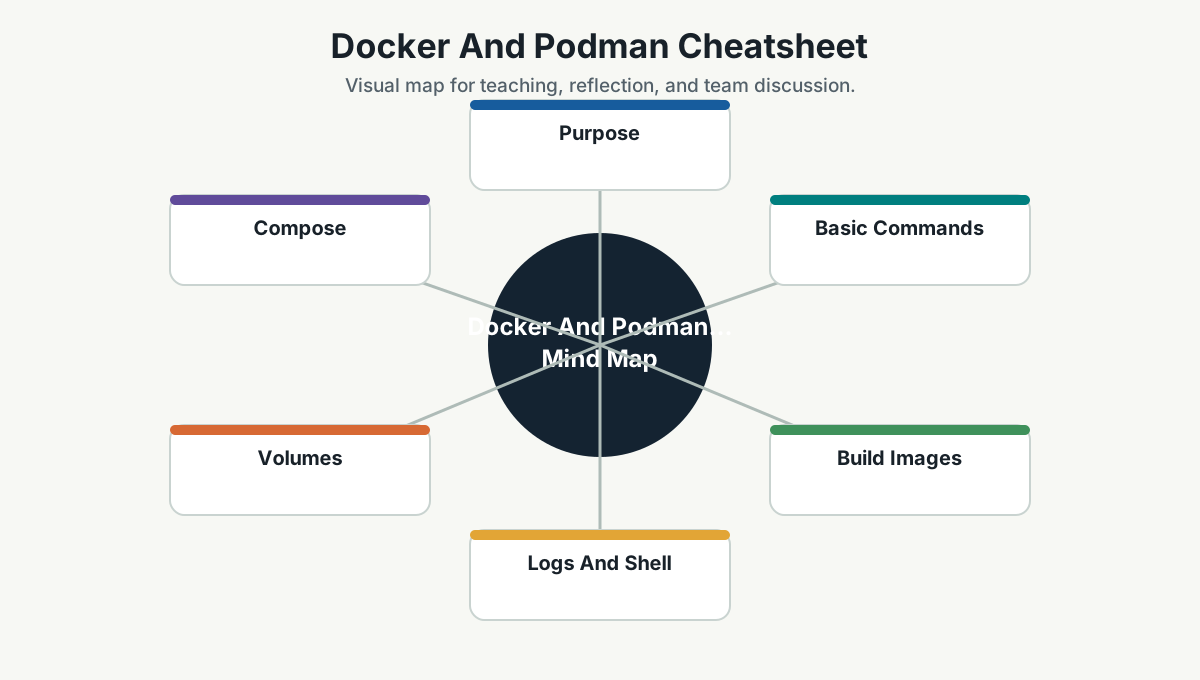
Purpose
Docker and Podman help developers build, run, inspect, and debug containers locally. Most commands are similar. Use whichever runtime is standard for the team or environment.
Basic Commands
Docker:
docker version
docker ps
docker ps -a
docker images
docker pull nginx
docker run --rm -p 8080:80 nginx
docker stop <container>
docker rm <container>
docker rmi <image>
Podman:
podman version
podman ps
podman ps -a
podman images
podman pull nginx
podman run --rm -p 8080:80 nginx
podman stop <container>
podman rm <container>
podman rmi <image>
Build Images
docker build -t simpro-api:dev .
podman build -t simpro-api:dev .
Run:
docker run --rm -p 5000:8080 simpro-api:dev
podman run --rm -p 5000:8080 simpro-api:dev
Logs And Shell
docker logs <container>
docker logs -f <container>
docker exec -it <container> sh
podman logs <container>
podman logs -f <container>
podman exec -it <container> shVolumes
docker volume ls
docker volume create simpro-data
docker run -v simpro-data:/data <image>
podman volume ls
podman volume create simpro-data
podman run -v simpro-data:/data <image>Compose
Docker Compose:
docker compose up
docker compose up -d
docker compose down
docker compose logs -f
docker compose build
Podman Compose may vary by installation:
podman compose up
podman compose down
Inspect And Debug
docker inspect <container>
docker stats
docker network ls
docker network inspect <network>
podman inspect <container>
podman stats
podman network ls
podman network inspect <network>Cleanup
Be careful with prune commands.
docker system df
docker system prune
docker image prune
podman system df
podman system prune
podman image pruneGood Container Habits
- Keep images small.
- Do not bake secrets into images.
- Use
.dockerignore. - Pin base image versions where appropriate.
- Log to stdout/stderr.
- Expose health checks where useful.
- Document ports and environment variables.
Team Reference Guide
How To Explain This Page
Use this page as a reference conversation, not as a checklist to read aloud. Start by explaining why the topic matters, then connect it to current team work, and finally ask what behavior should change.
The most useful way to teach this material is to move from concept to example. Explain the principle, show how it appears in daily work, ask the team where it is currently strong or weak, and finish with one small action.
Guidelines For Teams
- Connect the topic to a current project, customer problem, incident, or decision.
- Translate concepts into visible behaviors.
- Keep the guidance lightweight enough to use weekly.
- Capture decisions, examples, and improvements back into the wiki.
- Review the page again after a project, incident, or retrospective to update what the team has learned.
Reflection Questions
- What part of this topic is already working well for us?
- What part is still mostly theory?
- What is one behavior we can change in the next 30 days?