Python Environment Cheatsheet
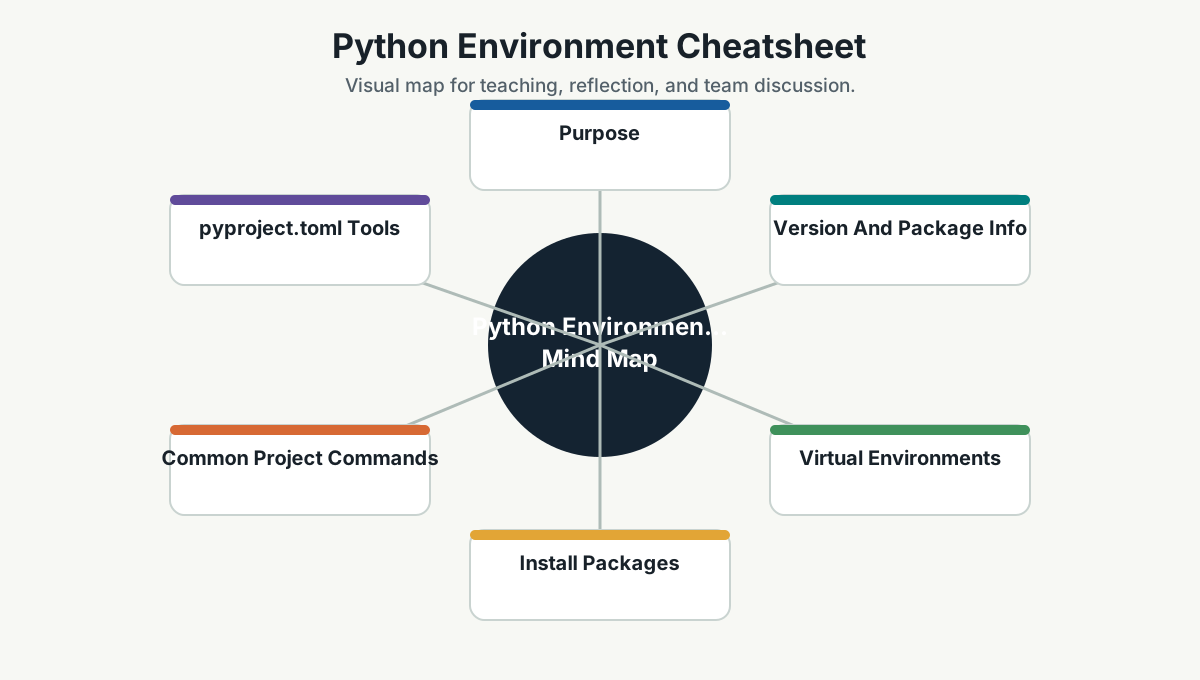
Purpose
Python is often used for scripts, automation, data tasks, AI tooling, and local utilities. Good environment hygiene prevents dependency confusion.
Version And Package Info
python --version
python -m pip --version
python -m pip list
python -m pip show <package>
On some systems, use:
python3 --version
python3 -m pip --version
Virtual Environments
Create:
python -m venv .venvActivate on PowerShell:
.\.venv\Scripts\Activate.ps1Activate on Bash:
source .venv/bin/activateDeactivate:
deactivateInstall Packages
python -m pip install --upgrade pip
python -m pip install requests
python -m pip install -r requirements.txt
Freeze dependencies:
python -m pip freeze > requirements.txtCommon Project Commands
python script.py
python -m pytest
python -m unittest
python -m http.server 8000
pyproject.toml Tools
Some projects use tools such as Poetry, Hatch, PDM, or uv. Follow the repository standard.
uv examples:
uv --version
uv venv
uv pip install -r requirements.txt
uv run python script.py
Poetry examples:
poetry install
poetry add requests
poetry run python script.py
poetry run pytest
Jupyter
python -m pip install notebook ipykernel
python -m ipykernel install --user --name simpro-env
jupyter notebook
Environment Variables
PowerShell:
$env:OPENAI_API_KEY="..."
python script.py
Bash:
export OPENAI_API_KEY="..."
python script.py
Do not commit secrets to Git.
Good Python Habits
- Use a virtual environment per project.
- Keep dependencies minimal.
- Commit
requirements.txt,pyproject.toml, or lock files according to project standard. - Avoid global installs unless it is a developer tool.
- Document Python version.
- Use
.gitignorefor.venv, caches, and local outputs.
Team Reference Guide
How To Explain This Page
Use this page as a reference conversation, not as a checklist to read aloud. Start by explaining why the topic matters, then connect it to current team work, and finally ask what behavior should change.
The most useful way to teach this material is to move from concept to example. Explain the principle, show how it appears in daily work, ask the team where it is currently strong or weak, and finish with one small action.
Guidelines For Teams
- Connect the topic to a current project, customer problem, incident, or decision.
- Translate concepts into visible behaviors.
- Keep the guidance lightweight enough to use weekly.
- Capture decisions, examples, and improvements back into the wiki.
- Review the page again after a project, incident, or retrospective to update what the team has learned.
Reflection Questions
- What part of this topic is already working well for us?
- What part is still mostly theory?
- What is one behavior we can change in the next 30 days?