TypeScript, JavaScript, React, And Angular Practices
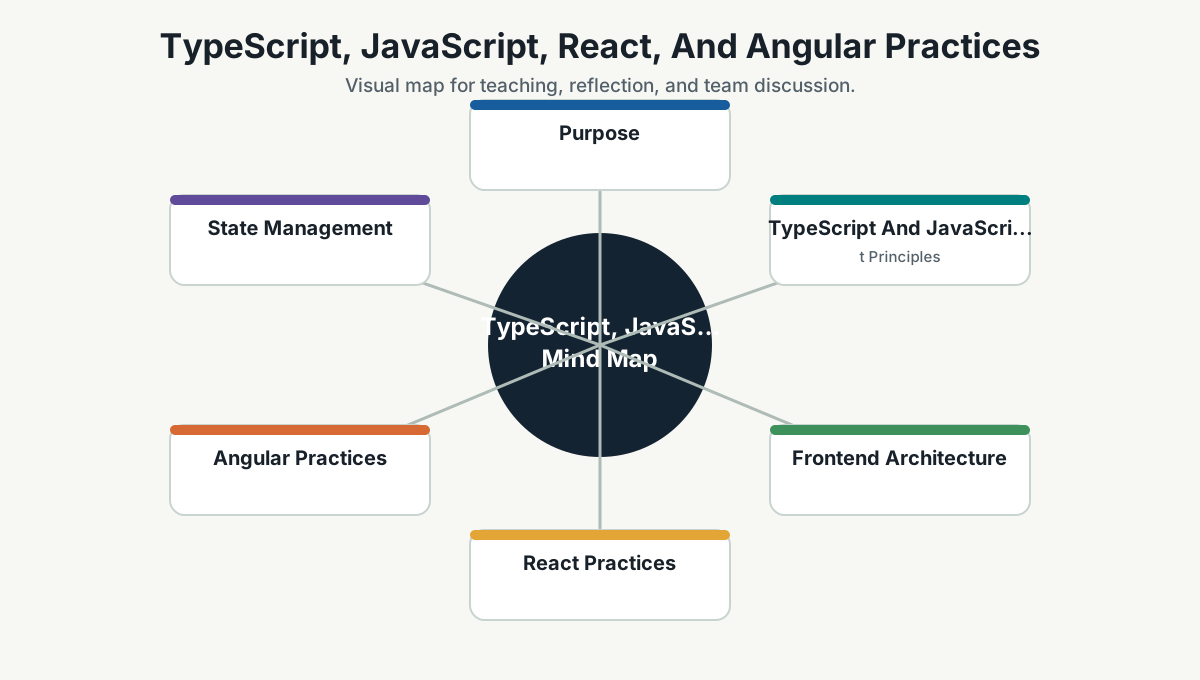
Purpose
This page gives Simpro developers practical guidance for TypeScript, JavaScript, React, and Angular projects.
The frontend is where architecture becomes visible to users. If the frontend is messy, the user feels it as slowness, inconsistency, confusing flows, accessibility gaps, and defects that look small but damage trust.
TypeScript And JavaScript Principles
Use TypeScript for serious product applications unless there is a specific reason not to.
Guidance:
- Enable strict TypeScript settings for important applications.
- Prefer explicit domain types over
any. - Keep API response types close to API clients.
- Use runtime validation where external data enters the app.
- Avoid large utility files with unrelated functions.
- Prefer pure functions for transformation logic.
- Keep side effects visible.
- Avoid deeply nested callbacks and complex promise chains.
- Standardize formatting and linting.
JavaScript is still the runtime. TypeScript helps, but it does not replace runtime thinking. External APIs, user input, local storage, query strings, and feature flags can still surprise you.
Frontend Architecture
A good frontend separates:
- Pages/routes.
- Feature modules.
- UI components.
- Domain logic.
- API clients.
- State management.
- Validation.
- Tests.
Example structure:
src/
  app/
  features/
    orders/
      components/
      api/
      hooks/
      models/
      tests/
  shared/
    ui/
    utils/
    telemetry/
Guidance:
- Put reusable visual components in a design-system/shared UI area.
- Put product behavior in feature modules.
- Avoid business rules hidden inside presentation components.
- Keep API calls behind client functions or service classes.
- Keep error, loading, and empty states as first-class UI states.
React Practices
React is strongest when components are small, state is deliberately placed, and data flow is understandable.
Guidance:
- Think in components and state boundaries.
- Keep components focused.
- Lift state only when multiple children need it.
- Avoid global state for local UI concerns.
- Use server components/server rendering carefully in Next.js projects.
- Use hooks consistently and follow hook rules.
- Memoize only when there is a measured reason or clear render cost.
- Keep effects for synchronization with external systems, not random data manipulation.
- Use accessible HTML before custom widgets.
Common React failure modes:
- Too much state in the wrong place.
- Components that fetch, transform, validate, render, and navigate all in one file.
- Reusable components that secretly contain product-specific behavior.
- useEffect used as a general-purpose hammer.
- Inconsistent form handling.
Angular Practices
Angular is strongest when teams embrace its structure without turning every small feature into a ceremony.
Guidance:
- Follow Angular style conventions.
- Keep components focused on presentation and interaction.
- Use services for shared logic and data access.
- Use routing and lazy loading to control app structure and performance.
- Use reactive forms for complex forms.
- Use dependency injection intentionally.
- Keep modules/features organized by domain.
- Avoid placing business logic in templates.
- Use signals/RxJS patterns consistently according to team standard.
Common Angular failure modes:
- Oversized components.
- Too much logic in templates.
- Services that become global dumping grounds.
- Inconsistent state patterns.
- Feature modules that do not reflect product boundaries.
State Management
Choose the simplest state model that works.
| State Type | Examples | Guidance |
|---|---|---|
| Local UI state | Modal open, selected tab, input draft | Keep inside component |
| Shared feature state | Filters, selected entity, wizard progress | Feature-level state |
| Server state | API data, cache, loading, error | Use query/cache library or framework pattern |
| Global app state | Auth user, theme, tenant, permissions | Keep minimal and explicit |
Do not put everything in global state. That is how small apps become haunted houses with dashboards.
API And Error Handling
Frontend code should treat APIs as unreliable because networks, sessions, permissions, and data all fail.
Minimum states:
- Loading.
- Success.
- Empty.
- Validation error.
- Authorization error.
- Network/server error.
- Retry or recovery where useful.
Guidance:
- Centralize API client behavior.
- Use typed request/response models.
- Handle cancellation where appropriate.
- Do not expose raw technical errors to users.
- Log frontend errors with enough context to debug.
Testing
Recommended layers:
- Unit tests for pure transformation/domain functions.
- Component tests for important UI behavior.
- Integration tests for feature flows.
- End-to-end tests for critical journeys.
- Accessibility checks for key screens/components.
Test what the user and business care about. Avoid tests that break because a div moved but the feature still works.
Performance
Frontend performance is product quality.
Guidance:
- Measure Core Web Vitals or equivalent experience metrics.
- Avoid shipping unnecessary JavaScript.
- Split code by route/feature.
- Optimize images and fonts.
- Avoid expensive renders and unnecessary reflows.
- Use pagination/virtualization for large lists.
- Watch dependency size.
- Test on realistic devices and networks.
Accessibility
Accessibility should be a default engineering habit:
- Use semantic HTML.
- Support keyboard navigation.
- Provide visible focus states.
- Use labels for form controls.
- Ensure color contrast.
- Test with screen-reader-friendly patterns for complex components.
- Do not replace standard controls unless necessary.
Pull Request Checklist
- Are types clear?
- Are loading, error, empty, and success states handled?
- Is business logic separated from visual components?
- Are accessibility basics covered?
- Is the bundle impact reasonable?
- Are tests focused on behavior?
- Are API errors handled consistently?
- Does the UI follow design-system standards?
Further Study
- TypeScript documentation: https://www.typescriptlang.org/docs/
- MDN JavaScript Guide: https://developer.mozilla.org/en-US/docs/Web/JavaScript/Guide
- React Thinking in React: https://react.dev/learn/thinking-in-react
- React documentation: https://react.dev/
- Next.js documentation: https://nextjs.org/docs
- Angular style guide: https://angular.dev/style-guide
- Angular documentation: https://angular.dev/
- Web.dev performance guidance: https://web.dev/learn/performance/
- WAI accessibility fundamentals: https://www.w3.org/WAI/fundamentals/
Team Reference Guide
Guidelines For Teams
- Prefer TypeScript for maintainable product apps.
- Keep product logic out of generic UI components.
- Treat loading, error, empty, and permission states as part of the feature.
- Use framework conventions consistently.
- Measure frontend quality with performance, accessibility, errors, and user journey signals.
Reflection Questions
- Which component is doing too many jobs?
- Where are API errors handled inconsistently?
- Which page would feel slow on a modest device?
- What frontend standard should become a reusable component or lint rule?