Git Cheatsheet
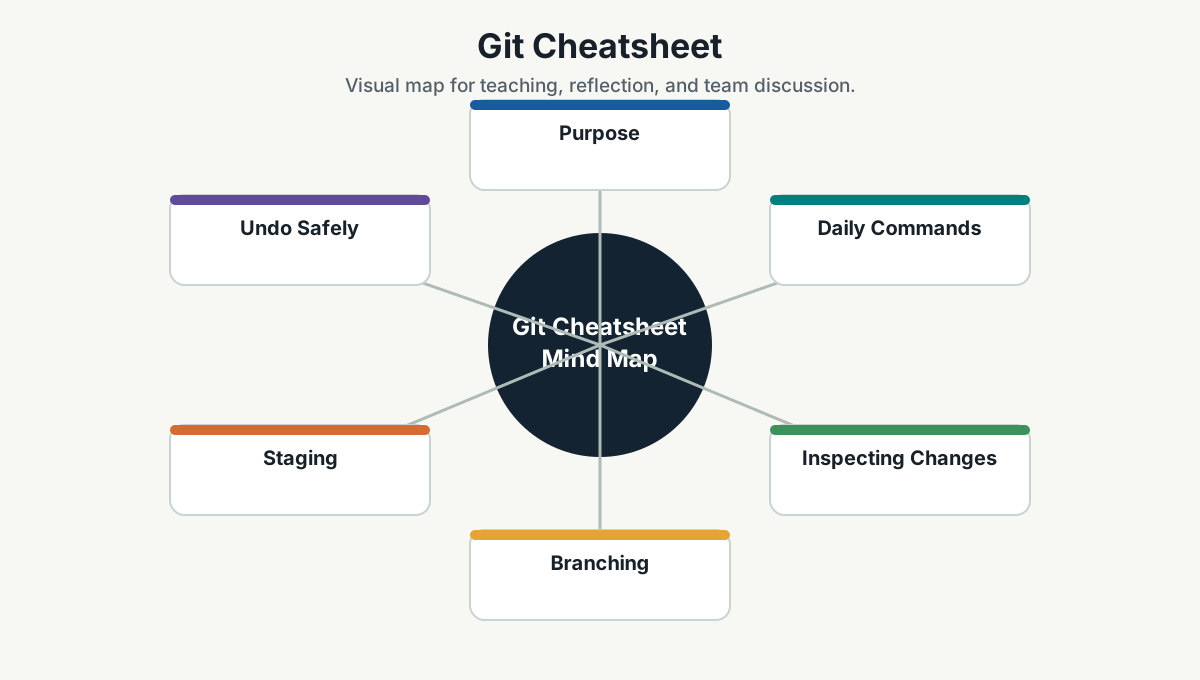
Purpose
Git is the team's shared memory of code changes. Good Git habits make collaboration safer and reviews easier.
Daily Commands
git status
git branch
git switch main
git pull
git switch -c feature/my-change
git add .
git commit -m "Describe the change"
git push -u origin feature/my-change
Inspecting Changes
git diff
git diff --staged
git log --oneline --decorate --graph --all
git show HEAD
git blame path/to/file
Branching
git switch main
git pull
git switch -c feature/short-clear-name
git branch -d feature/old-branch
Use branch names that reveal intent:
feature/customer-exportfix/login-timeoutchore/update-dependenciesdocs/api-runbook
Staging
git add path/to/file
git add -p
git restore --staged path/to/file
Use git add -p when you changed multiple things and want clean commits.
Undo Safely
git restore path/to/file
git restore --staged path/to/file
git revert <commit>
Avoid destructive commands unless you are certain:
git reset --hard
git clean -fd
These can delete local work.
Sync With Main
git switch main
git pull
git switch feature/my-change
git merge main
Or, if your team uses rebase:
git fetch origin
git rebase origin/main
Use the team standard. Do not mix merge/rebase styles randomly.
Commit Message Guidelines
Good commit messages explain intent.
Weak:
fix
changes
updated file
Better:
Fix login timeout handling
Add export validation for finance report
Document local Kubernetes setup
Pull Request Guidelines
A good PR includes:
- What changed.
- Why it changed.
- How it was tested.
- Screenshots or API examples when relevant.
- Risks or migration notes.
Keep PRs small. Large PRs slow review and hide risk.
Useful Troubleshooting
git remote -v
git fetch --all
git branch -vv
git stash
git stash list
git stash pop
When stuck, run:
git status
git log --oneline -5
These two commands usually reveal where you are.
Team Reference Guide
How To Explain This Page
Use this page as a reference conversation, not as a checklist to read aloud. Start by explaining why the topic matters, then connect it to current team work, and finally ask what behavior should change.
The most useful way to teach this material is to move from concept to example. Explain the principle, show how it appears in daily work, ask the team where it is currently strong or weak, and finish with one small action.
Guidelines For Teams
- Connect the topic to a current project, customer problem, incident, or decision.
- Translate concepts into visible behaviors.
- Keep the guidance lightweight enough to use weekly.
- Capture decisions, examples, and improvements back into the wiki.
- Review the page again after a project, incident, or retrospective to update what the team has learned.
Reflection Questions
- What part of this topic is already working well for us?
- What part is still mostly theory?
- What is one behavior we can change in the next 30 days?