VS Code Cheatsheet
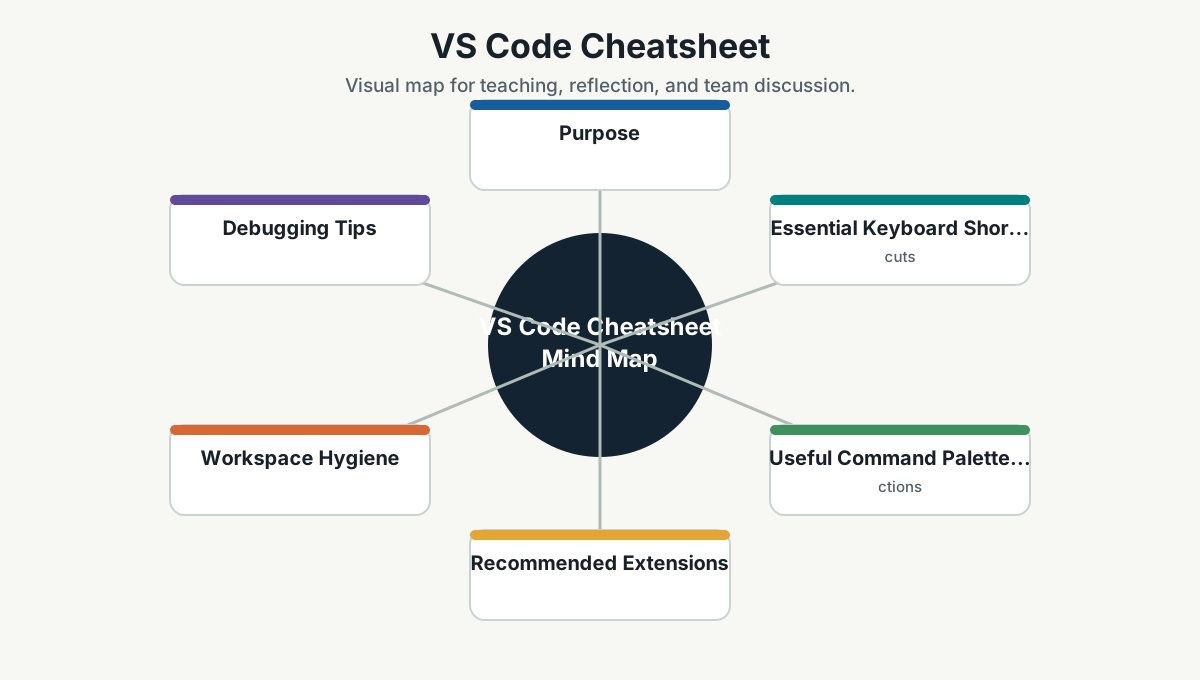
Purpose
VS Code is often the daily command center for developers. This cheatsheet focuses on navigation, editing, debugging, terminal use, Git, and productivity habits.
Essential Keyboard Shortcuts
| Action | Windows/Linux | macOS |
|---|---|---|
| Command palette | Ctrl+Shift+P |
Cmd+Shift+P |
| Quick open file | Ctrl+P |
Cmd+P |
| Search in files | Ctrl+Shift+F |
Cmd+Shift+F |
| Go to symbol | Ctrl+Shift+O |
Cmd+Shift+O |
| Go to definition | F12 |
F12 |
| Peek definition | Alt+F12 |
Option+F12 |
| Rename symbol | F2 |
F2 |
| Format document | Shift+Alt+F |
Shift+Option+F |
| Toggle terminal | Ctrl+` |
Ctrl+` |
| Multi-cursor | Alt+Click |
Option+Click |
| Select next occurrence | Ctrl+D |
Cmd+D |
Useful Command Palette Actions
Open command palette and search for:
Git: CloneGit: Create BranchGit: SyncDeveloper: Reload WindowPreferences: Open User SettingsPreferences: Open Keyboard ShortcutsTasks: Run Task.NET: Generate Assets for Build and DebugDebug: Start Debugging
Recommended Extensions
Use only extensions that help the workflow. Too many extensions can slow the editor.
Commonly useful:
- C# Dev Kit or C# extension.
- GitLens.
- Docker.
- Kubernetes.
- PowerShell.
- Python.
- YAML.
- REST Client or Thunder Client.
- EditorConfig.
Workspace Hygiene
Guidelines:
- Keep
.vscodesettings useful and minimal. - Use workspace tasks for repeated commands.
- Do not commit personal machine paths.
- Prefer
.editorconfigfor formatting rules shared across editors. - Keep launch profiles documented.
Debugging Tips
For .NET:
- Use
launch.jsonwhen the default debug setup is not enough. - Set environment variables in launch configuration only when appropriate.
- Prefer debugging focused services over starting everything manually.
For frontend/API calls:
- Use breakpoints.
- Inspect network requests.
- Check environment variables.
- Use integrated terminal for reproducible commands.
Good Developer Habit
Before raising a PR, use VS Code source control view or terminal to review your own diff.
Ask:
- Is the change smaller than it could be?
- Is the intent clear?
- Did I accidentally include debug code?
- Did I update tests or docs where needed?
Team Reference Guide
How To Explain This Page
Use this page as a reference conversation, not as a checklist to read aloud. Start by explaining why the topic matters, then connect it to current team work, and finally ask what behavior should change.
The most useful way to teach this material is to move from concept to example. Explain the principle, show how it appears in daily work, ask the team where it is currently strong or weak, and finish with one small action.
Guidelines For Teams
- Connect the topic to a current project, customer problem, incident, or decision.
- Translate concepts into visible behaviors.
- Keep the guidance lightweight enough to use weekly.
- Capture decisions, examples, and improvements back into the wiki.
- Review the page again after a project, incident, or retrospective to update what the team has learned.
Reflection Questions
- What part of this topic is already working well for us?
- What part is still mostly theory?
- What is one behavior we can change in the next 30 days?