Performance Engineering Guide
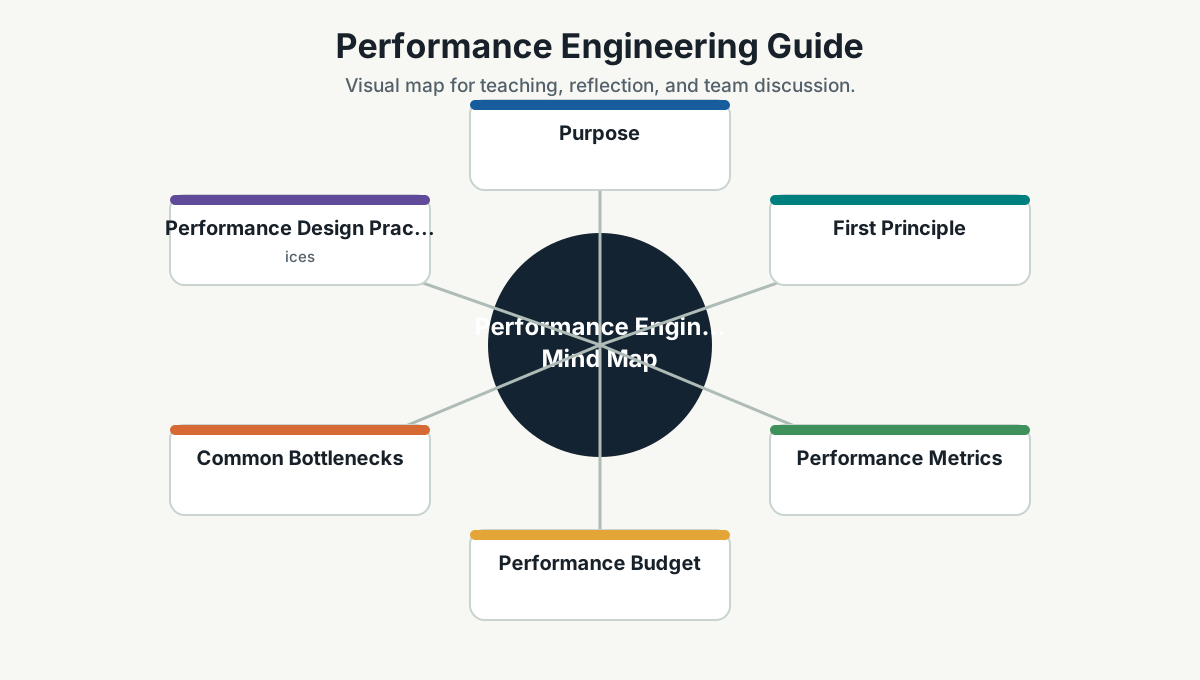
Purpose
Performance engineering is the practice of making systems fast, efficient, and predictable for real users and real workloads.
Performance is not only backend speed. It includes frontend load time, API latency, database queries, queues, background jobs, network calls, memory use, CPU use, payload size, caching, and perceived responsiveness.
First Principle
Measure before optimizing, but design so measurement is possible.
Guessing performance is a sport many teams play badly. The system may be slow because of database queries, frontend bundle size, a chatty API, bad caching, cold starts, locks, serialization, DNS, network latency, or one tiny loop that looked innocent during code review.
Performance Metrics
| Area | Useful Metrics |
|---|---|
| User experience | page load, interaction latency, Core Web Vitals, mobile performance |
| API | p50/p95/p99 latency, request rate, error rate, saturation |
| Database | query latency, slow queries, locks, connection pool usage, index usage |
| Background jobs | queue depth, processing time, retry count, dead letters |
| Infrastructure | CPU, memory, disk I/O, network, container restarts |
| Client apps | bundle size, render time, long tasks, API waterfall |
Prefer percentiles over averages. Averages hide pain. If 95 users are happy and 5 users are stuck, the average may smile while support tickets arrive.
Performance Budget
Set budgets where user experience matters:
- Initial page load target.
- API p95 latency target.
- Maximum bundle size.
- Maximum query duration for common paths.
- Maximum payload size.
- Background job completion target.
Budgets make performance visible during design and review. Without a budget, performance becomes "please make it faster" after release.
Common Bottlenecks
Frontend
- Large JavaScript bundles.
- Too many network requests.
- Unoptimized images/fonts.
- Blocking scripts.
- Excessive rendering.
- Large tables without pagination or virtualization.
- Missing loading/error/empty states.
API
- Chatty endpoints.
- Missing pagination.
- Synchronous work inside request path.
- Poor serialization.
- No caching for expensive repeated reads.
- Thread starvation or blocking async calls.
Database
- N+1 queries.
- Missing indexes.
- Queries returning too much data.
- Inefficient joins.
- Lock contention.
- Unbounded reports.
- Poor connection-pool settings.
Distributed Systems
- Too many sequential service calls.
- Retry storms.
- No timeout/circuit breaker.
- Large payloads.
- Dependency latency dominating total latency.
Performance Design Practices
- Make hot paths simple.
- Paginate and filter by default.
- Cache deliberately, with invalidation strategy.
- Move long work to background jobs.
- Use async I/O correctly.
- Avoid unnecessary service hops.
- Keep payloads small.
- Add indexes based on query patterns.
- Use CDN/static caching for static assets.
- Profile before large rewrites.
Load Testing
Use load testing to answer:
- How many users/requests can we support?
- What breaks first?
- Does latency degrade gradually or cliff suddenly?
- How does the system recover after load?
- What does scaling cost?
Test types:
- Smoke test: tiny load to verify script and environment.
- Load test: expected traffic.
- Stress test: beyond expected traffic.
- Spike test: sudden burst.
- Soak test: long-running test to find leaks and degradation.
Performance In Pull Requests
Ask:
- Does this add a new query or service call in a hot path?
- Does this return unbounded data?
- Does this increase frontend bundle size?
- Does this block a request path?
- Does this add a retry without timeout/backoff?
- Does this need caching, pagination, or indexing?
Team Reference Guide
Guidelines For Teams
- Define performance expectations before launch.
- Measure p95/p99, not only averages.
- Keep common paths fast and simple.
- Treat frontend performance as product quality.
- Add load tests for critical systems before major launches.
Reflection Questions
- Which screen/API would customers call slow first?
- Which query becomes dangerous as data grows?
- Which metric shows user-perceived speed?
- What performance budget should we add to CI or release review?
Further Study
- Azure performance efficiency pillar: https://learn.microsoft.com/en-us/azure/well-architected/performance-efficiency/
- AWS performance efficiency pillar: https://docs.aws.amazon.com/wellarchitected/latest/performance-efficiency-pillar/welcome.html
- Google Cloud performance optimization: https://cloud.google.com/architecture/framework/performance-optimization
- Web.dev performance guidance: https://web.dev/learn/performance/
- k6 load testing: https://k6.io/docs/
- Grafana k6 examples: https://grafana.com/docs/k6/latest/examples/