.NET CLI Cheatsheet
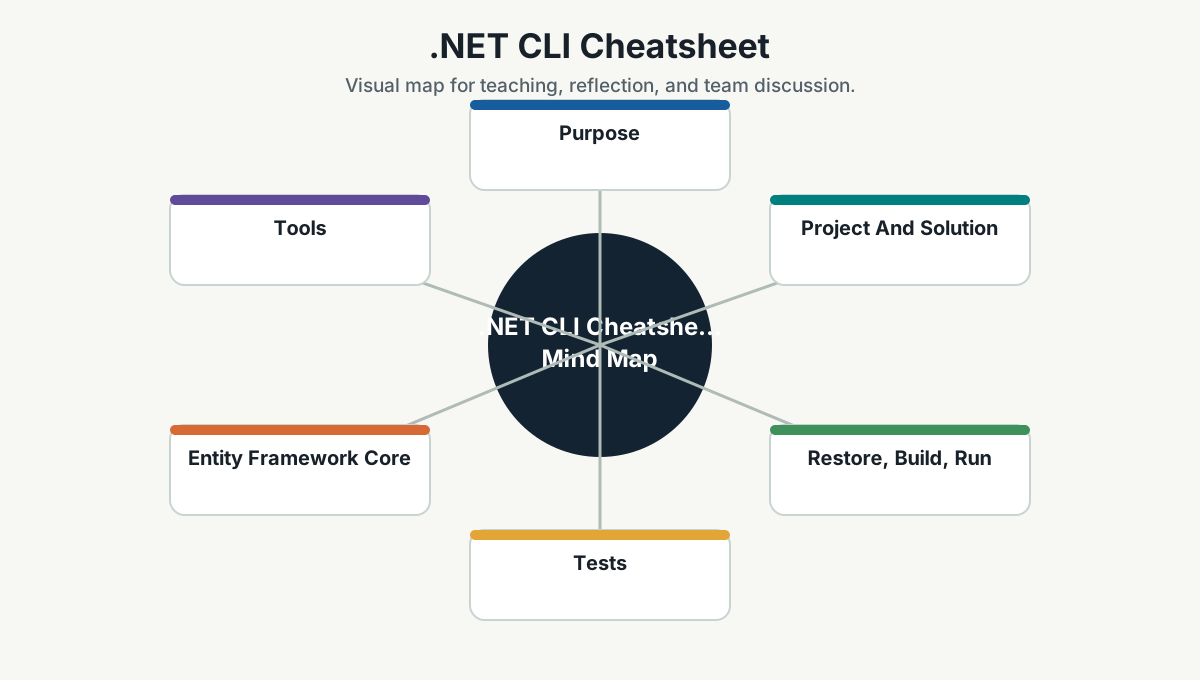
Purpose
The .NET CLI is the daily tool for creating, building, testing, running, packaging, and managing .NET applications.
Project And Solution
dotnet --info
dotnet new list
dotnet new sln -n Simpro.App
dotnet new webapi -n Simpro.Api
dotnet sln add Simpro.Api/Simpro.Api.csproj
dotnet add Simpro.Api package Newtonsoft.Json
dotnet add Simpro.Api reference ../Simpro.Core/Simpro.Core.csproj
Restore, Build, Run
dotnet restore
dotnet build
dotnet run --project Simpro.Api
dotnet watch run --project Simpro.Api
Common environment usage:
$env:ASPNETCORE_ENVIRONMENT="Development"
dotnet run --project Simpro.Api
ASPNETCORE_ENVIRONMENT=Development dotnet run --project Simpro.ApiTests
dotnet test
dotnet test --filter "FullyQualifiedName~Customer"
dotnet test --collect:"XPlat Code Coverage"
Good practice:
- Run focused tests while developing.
- Run broader tests before PR.
- Add tests for bug fixes.
Entity Framework Core
Install tool if needed:
dotnet tool install --global dotnet-ef
dotnet tool update --global dotnet-ef
Common commands:
dotnet ef migrations add AddCustomerStatus --project Simpro.Data --startup-project Simpro.Api
dotnet ef database update --project Simpro.Data --startup-project Simpro.Api
dotnet ef migrations list --project Simpro.Data --startup-project Simpro.Api
Tools
dotnet tool list --global
dotnet tool install --global <tool-name>
dotnet tool update --global <tool-name>
dotnet tool restore
Publish
dotnet publish Simpro.Api -c Release -o ./publish
dotnet publish Simpro.Api -c Release -r win-x64 --self-contained false
NuGet
dotnet nuget list source
dotnet nuget add source <url> -n <name>
dotnet list package
dotnet list package --outdated
Troubleshooting
dotnet clean
dotnet restore --no-cache
dotnet build -v minimal
dotnet test -v normal
If builds behave strangely:
- Clean
binandobj. - Check SDK version with
dotnet --info. - Confirm package sources.
- Confirm environment variables.
Team Reference Guide
How To Explain This Page
Use this page as a reference conversation, not as a checklist to read aloud. Start by explaining why the topic matters, then connect it to current team work, and finally ask what behavior should change.
The most useful way to teach this material is to move from concept to example. Explain the principle, show how it appears in daily work, ask the team where it is currently strong or weak, and finish with one small action.
Guidelines For Teams
- Connect the topic to a current project, customer problem, incident, or decision.
- Translate concepts into visible behaviors.
- Keep the guidance lightweight enough to use weekly.
- Capture decisions, examples, and improvements back into the wiki.
- Review the page again after a project, incident, or retrospective to update what the team has learned.
Reflection Questions
- What part of this topic is already working well for us?
- What part is still mostly theory?
- What is one behavior we can change in the next 30 days?