Python Project Good Practices
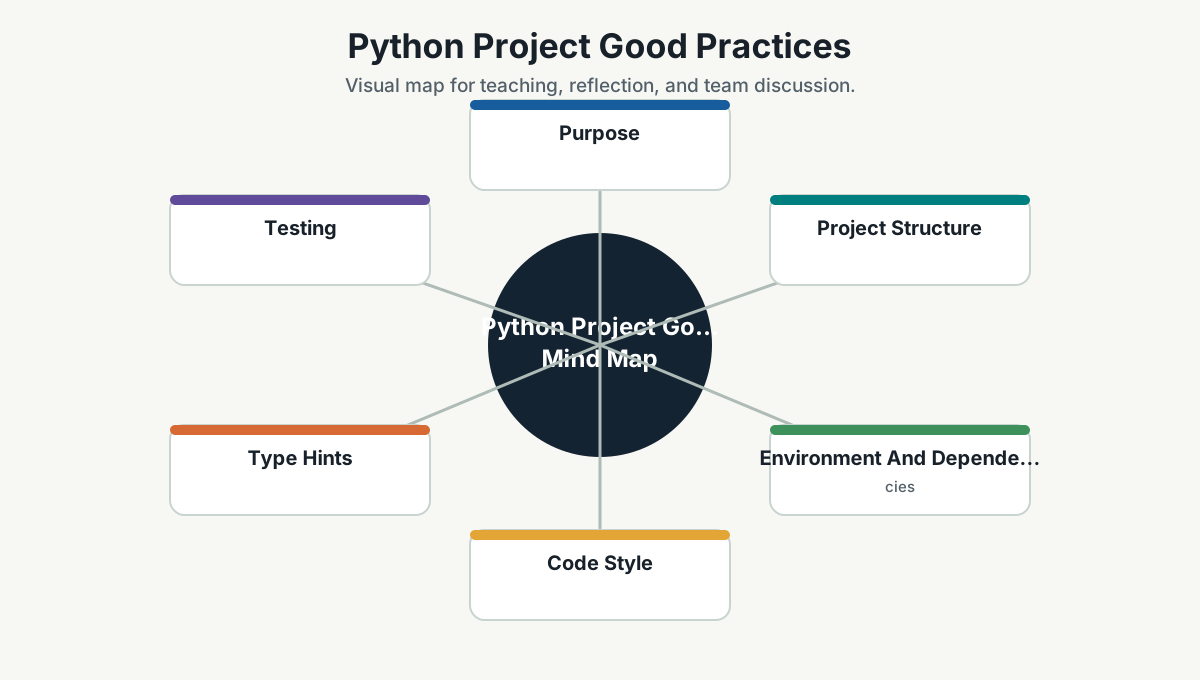
Purpose
This page gives Simpro developers practical guidance for Python projects used for automation, data work, tooling, APIs, scripts, AI experiments, and internal services.
Python is excellent for speed of learning. The risk is that quick scripts can quietly become production systems without production habits. The moment a script has users, schedules, credentials, or business impact, it deserves engineering discipline.
Project Structure
Use a clear structure:
project-name/
  pyproject.toml
  README.md
  src/
    simpro_tool/
      __init__.py
      main.py
  tests/
    test_main.py
Guidance:
- Prefer the
src/layout for packages. - Keep importable code separate from one-off scripts.
- Put tests in
tests/. - Keep configuration in environment variables or config files, not hardcoded constants.
- Use
README.mdfor setup, commands, and examples.
Environment And Dependencies
Minimum practices:
- Use a virtual environment for each project.
- Pin or lock dependencies for repeatable builds.
- Separate runtime dependencies from development dependencies.
- Do not commit virtual environment folders.
- Keep secrets out of
.envfiles unless they are local-only and ignored by Git.
Common commands:
python -m venv .venv
.\.venv\Scripts\Activate.ps1
python -m pip install -U pip
python -m pip install -r requirements.txt
Modern projects may use tools such as uv, Poetry, Hatch, or PDM, but the principle is the same: repeatable environment, clear dependency ownership, and simple commands.
Code Style
Guidance:
- Use meaningful module, function, and variable names.
- Keep functions focused.
- Use type hints for public functions and important internal boundaries.
- Avoid global mutable state.
- Avoid wildcard imports.
- Prefer explicit errors over silent failure.
- Use logging instead of random
print()statements in reusable code. - Keep notebooks and production code separate.
Type Hints
Type hints help readers and tools understand intent.
Good:
def calculate_discount(amount: float, percentage: float) -> float:
    return amount * percentage / 100
Use type hints especially for:
- Function parameters.
- Return values.
- Data transfer objects.
- Interfaces to external systems.
- AI/data pipelines where shape confusion is common.
Testing
Use pytest for most team projects unless another standard exists.
Minimum expectations:
- Unit tests for pure functions and business rules.
- Integration tests for file, database, API, or queue behavior.
- Fixtures for reusable setup.
- Tests for failure paths, not only happy paths.
- CI runs tests on every pull request.
Example:
def test_calculate_discount():
    assert calculate_discount(200, 10) == 20
Automation Scripts
Scripts should be boring in the best way.
Good scripts:
- Accept command-line arguments.
- Have a dry-run option when changing external systems.
- Log what they do.
- Fail clearly.
- Avoid hidden local assumptions.
- Can be run twice safely where practical.
Python For AI And Data Work
When using Python for AI/data:
- Track dataset/source version where possible.
- Keep prompts and model settings visible.
- Do not put secrets in notebooks.
- Save experiment notes.
- Separate experiment code from production pipeline code.
- Add guardrails for PII and sensitive data.
- Validate outputs before downstream use.
Pull Request Checklist
- Is the environment setup documented?
- Are dependencies declared?
- Are secrets excluded?
- Are inputs validated?
- Are errors logged clearly?
- Are tests included?
- Is the script/service safe to rerun?
- Is there a clear owner if this becomes operational?
Further Study
- Python tutorial: https://docs.python.org/3/tutorial/
- Python virtual environments: https://docs.python.org/3/tutorial/venv.html
- Python modules and packages: https://docs.python.org/3/tutorial/modules.html
- Python Packaging User Guide: https://packaging.python.org/
- Static typing with Python: https://typing.python.org/
- pytest documentation: https://docs.pytest.org/en/stable/
- Ruff documentation: https://docs.astral.sh/ruff/
Team Reference Guide
Guidelines For Teams
- Treat repeated scripts as products.
- Prefer clear, testable modules over large notebooks or single files.
- Use type hints at important boundaries.
- Make local setup repeatable.
- Review security and data handling carefully.
Reflection Questions
- Which script has become important enough to deserve tests?
- Which Python project would be hard to run on a new machine?
- Where could type hints prevent misunderstanding?
- What automation needs a dry-run mode?